You’re spending money on Facebook Ads, Google Ads, or Instagram. The leads are coming in.
But here’s the problem: most of those leads are going cold before your team even sees them.
Not because your ads are bad. Not because your product doesn’t fit the market. Because there’s a gap — sometimes hours long — between when a lead fills out your form and when someone actually follows up.
That gap is costing you more than your entire ad budget.
Why Ad Leads Go Cold Before You Even See Them
By default, Facebook Lead Ads store submissions inside Ads Manager. Google Lead Form Extensions dump leads into a CSV you have to manually download. Instagram leads go into Meta’s backend.
None of these notify your sales team in real time. Nobody gets a ping. Nobody calls or messages. The lead sits waiting.
The data on this is unambiguous: responding to a lead within the first 5 minutes makes you 9x more likely to reach them than waiting 30 minutes. Within an hour, the odds drop by half again. By the next morning, most leads have already spoken to someone else — or simply moved on.
The businesses winning on paid ads aren’t necessarily running better ads. They’re just responding faster.
What Is Lead Capture Automation?
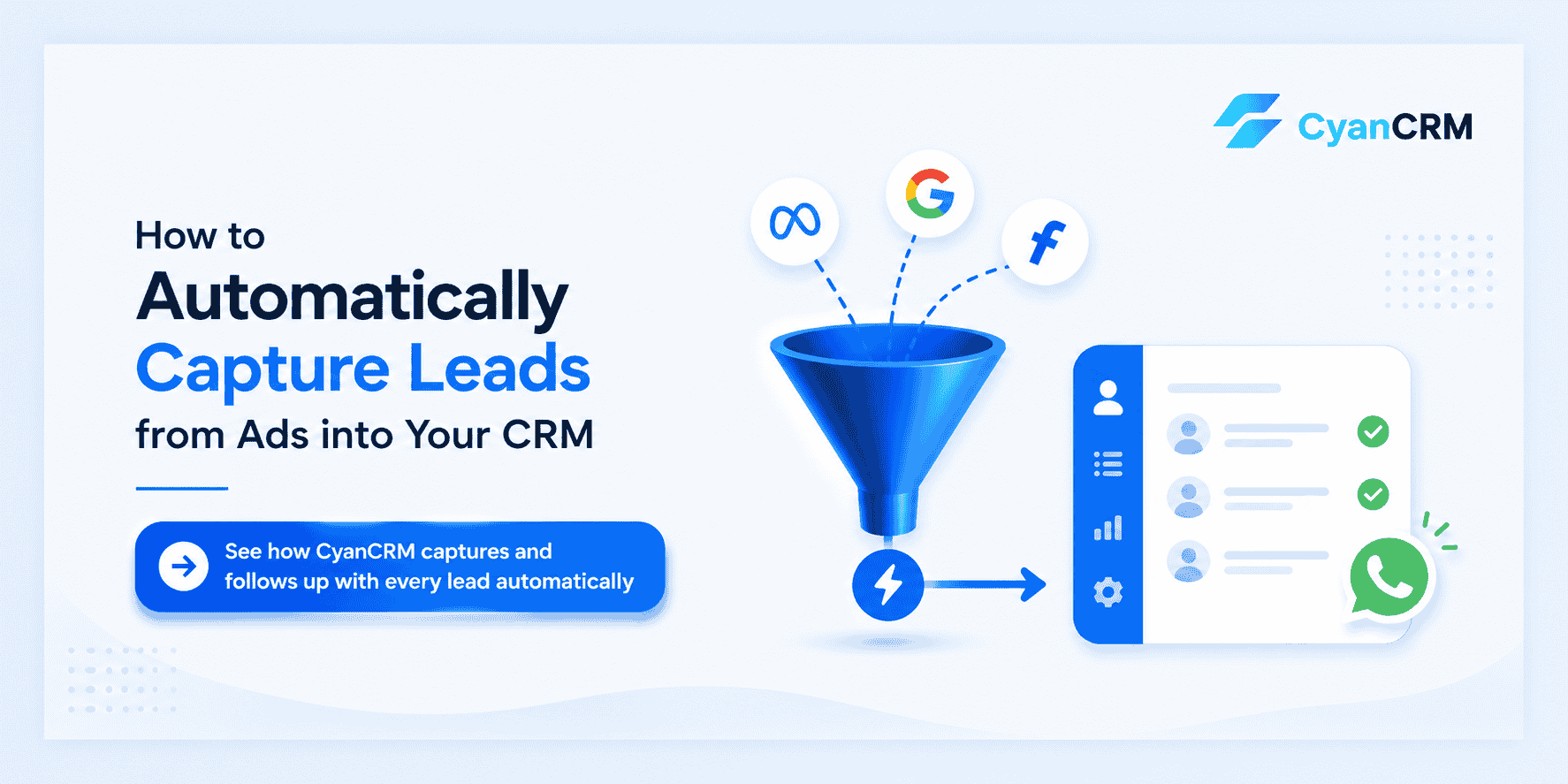
Lead capture automation means connecting your ad platforms directly to your CRM so that the moment someone submits a lead form, three things happen automatically:
- The lead is created in your CRM with all their details
- The lead is assigned to the right team member or counselor
- A WhatsApp message (or email) is sent to the lead — instantly
No manual CSV exports. No “I’ll check the leads after lunch.” No copying and pasting phone numbers.
The lead enters your pipeline in real time and immediately gets a response. From the lead’s perspective, your business feels fast, attentive, and professional — before any human has even picked up the phone.
How to Connect Meta / Facebook Lead Ads to Your CRM
Facebook Lead Ads are the most common source of leads for businesses in education, immigration, real estate, and coaching — which makes this integration the highest priority.
Setting up the connection in CyanCRM:
- Go to Settings → Integrations → Meta / Facebook Lead Ads
- Click Connect with Facebook and authorize access
- Select the Facebook Page your ads run from
- Select the specific lead form you want to sync (you can connect multiple)
- Map the form fields to CRM fields — match “Phone Number” to Phone, “What are you interested in?” to Notes, and so on
- Set a default pipeline and entry stage (e.g., “Admissions” → “New Inquiry”)
- Enable auto-assignment so leads go directly to the right rep or counselor
- Save
From this point, every form submission flows into CyanCRM within seconds. No manual steps required.
What to check: After setup, submit a test lead through the Facebook form preview. It should appear in CyanCRM within 60 seconds. If it doesn’t, re-authorize the connection and verify the correct form is selected.
For a detailed step-by-step walkthrough with screenshots, see: How to Connect Facebook Lead Ads to Your CRM →
How to Connect Google Ads Leads to Your CRM
Google Lead Form Extensions work similarly to Facebook Lead Ads — the user fills out a form directly in the Google search result, without going to your website. Leads are captured in Google Ads, and by default, they sit there.
Setting up the connection:
- Go to Settings → Integrations → Google Ads in CyanCRM
- Connect your Google account and authorize access to your Ads account
- Select the Google Ads account and the specific lead form extension
- Map Google’s form fields to your CRM fields
- Set pipeline, stage, and auto-assignment rules
- Save
For businesses using landing pages (rather than Google’s native lead forms), the process is slightly different: you connect your website form directly to CyanCRM via a webhook or form embed, and tag the lead source as “Google Ads” using UTM parameters.
Either way, the outcome is the same — leads from Google enter your CRM immediately and trigger automated follow-up.
How to Capture Instagram Leads Automatically
Instagram Lead Ads run through Meta’s ad system, so the setup is nearly identical to Facebook. When you run lead ads on Instagram, submissions flow through the same Meta Ads Manager backend.
Connecting Instagram leads:
Because Instagram Lead Ads are managed through Meta, the same integration you set up for Facebook also covers Instagram — you just need to select the Instagram lead form specifically when mapping forms in CyanCRM.
One note: Instagram organic DMs are a separate category. If you’re getting inquiries through Instagram messages rather than paid lead ads, those can be captured manually or through an inbox integration. The native automation applies specifically to lead ad form submissions.
What Happens After Capture: Automated Follow-up
Getting the lead into your CRM is step one. The real value is what happens next.
Once a lead is created in CyanCRM, you can configure automations that trigger immediately:
Instant WhatsApp message (within seconds of submission):
Hi [Name], thanks for reaching out to [Your Business]!

I'm [Rep Name] and I'll be helping you from here. Could you tell me a bit more about what you're looking for? I want to make sure I send you the most relevant information.
This goes out the moment the lead arrives — even if it’s 11pm, even if your team is in a meeting, even if nobody checked the CRM yet.
Automated follow-up sequence:
If the lead doesn’t respond to the first message within 24 hours, a second message fires automatically. If still no response after 5 days, a third. Each message is different — not the same text repeated.
Task assignment:
Simultaneously, CyanCRM creates a task for the assigned rep: “Follow up with [Name] — Facebook Lead Ad.” They see it in their task list the next time they log in.
The combination of instant automated response + assigned human follow-up means no lead gets lost because someone was busy or forgot to check.
How to Measure If It’s Working
Once your integrations are live, CyanCRM gives you data you didn’t have before:
Lead volume by source How many leads came from Facebook vs Google vs Instagram vs referrals this month? Which source is delivering the most inquiries?
Lead response time On average, how quickly is your team following up? Are automated messages going out instantly? Are human follow-ups happening within the window?
Conversion rate by source Of your Facebook leads, what percentage move from “New Inquiry” to “Qualified” to “Won”? How does that compare to Google Ads leads or referrals? If Facebook leads convert at half the rate of referrals, you have a targeting or messaging problem — and now you can see it.
Pipeline stage distribution How many leads are currently at each stage? If 60 leads are sitting at “First Contact Made” and haven’t progressed in 2 weeks, that’s a bottleneck you can now investigate.
These reports sit in CyanCRM’s analytics dashboard. Check them weekly and you’ll know exactly where leads are being won and where they’re being lost.
FAQ
Q1. Does CyanCRM work with both Facebook and Google lead ads at the same time?
A: Yes. You can connect multiple sources simultaneously. Every lead is tagged with its source automatically, so you can report on each channel separately.
Q2. What if I already have existing leads in a spreadsheet?
A: You can import them into CyanCRM manually via CSV. After that, all new leads flow in automatically.
Q3. Can I connect a form on my own website, not just ad platform forms?
A: Yes. CyanCRM supports webhook integration so any third-party form (Typeform, Gravity Forms, your website’s contact form) can push leads into the CRM in real time.
Q4. Will leads be assigned to a specific team member automatically?
A: Yes. You can configure assignment rules — fixed assignment, round-robin across the team, or by lead source.
Q5. What if a lead comes in after business hours?
A: The automated WhatsApp message fires immediately regardless of the time. The human rep picks up the conversation when they’re back. The lead already feels acknowledged.
Q6. Does the automation work for WhatsApp inquiries directly?
A: WhatsApp Business API integration handles inbound WhatsApp messages separately. When set up, messages from WhatsApp can also create leads in CyanCRM automatically.
Leads are expensive. Getting them into your CRM instantly — and responding to them before your competitors do — is the highest-leverage thing you can do with your existing ad spend.